
How to choose a smartphone comes down to use first, then the specs that change daily experience: chip, memory, screen, battery, software support and the way you buy it. Most other spec-sheet numbers matter less.
This guide walks through those decisions in order, with links to deeper explainers on each one. It is general background, not a ranking of products.
Start with how you use the phone
Spec sheets list a long run of figures, but only a handful decide whether a phone suits a person. A sensible first step is to write down what the phone must do: messaging and calls, navigation, photos, streaming, mobile games, work apps, or travel abroad. Each use leans on different hardware. Heavy gaming stresses the chip and cooling, travel photography leans on the camera, and a long commute with streaming leans on the battery and the display.
Budget comes next, and it is worth setting as a range rather than a single figure. Phones tend to fall into entry, mid-range and flagship tiers, and the gap in daily experience between tiers is often smaller than the gap in price. Spending more brings the most benefit when it buys something the buyer will use, such as a better camera for someone who photographs often or longer software support for someone who keeps phones for years.
It also helps to decide early between buying new, buying refurbished and buying through a carrier. Those routes change the price, the warranty and the freedom to switch networks, and they are covered later in this guide. Readers who also shop for other devices can find broader advice in the gadget buying guide.
Different users end up with different priorities, and it can help to picture a few common profiles. A person who mainly messages, browses and watches video needs a reliable battery, a comfortable screen and a long update period far more than a top-tier chip. A person who plays demanding games needs strong sustained performance and good cooling, along with a high refresh rate display. A person who photographs travel or family events will weigh the camera system most heavily and will want enough storage for photos and video. Someone who relies on a phone for work may value security features, dual-SIM or eSIM support and a long software commitment above everything else.
None of these profiles calls for the most expensive model by default. The aim is to match the phone to the work it will do, then spend the budget where it makes a visible difference to that work.
The chip, memory and storage
The processor is the part that sets how quickly a phone opens apps, handles games and runs on-device AI features. Phone chips combine the CPU, graphics processor and AI engine on one piece of silicon, and the main families come from Qualcomm, MediaTek, Apple and Google. A plain comparison of the families, core types and process nodes is in the explainer on smartphone processors.
For most buyers, the tier matters more than the exact model. A current mid-range chip handles messaging, browsing, video and social apps without trouble, while a flagship chip pays off in demanding games, long video edits and heavy multitasking. Apple, for instance, describes the A18 Pro in the iPhone 16 Pro as having a 16-core Neural Engine for Apple Intelligence features, which shows how much of a modern chip is now devoted to AI work rather than to raw speed alone.
Memory and storage are the other half of performance. Random access memory, or RAM, holds the apps that are open, and storage holds apps, photos, video and downloads. Running out of either shows up as apps reloading, slow launches or a full-storage warning. How much of each is enough depends on use, and the guide to phone storage and ram sets out how to judge it.
Screen and camera
The display is what a user looks at all day, so it deserves attention. Two points matter most: the panel type and the refresh rate. The two main panel types behave differently in contrast, brightness and power use, and the explainer on oled vs lcd compares them. Refresh rate describes how many times per second the screen redraws, and a higher rate makes scrolling and animation look smoother at some cost to battery, which the page on the 120hz refresh rate explains. Screen size is also a practical choice: a larger display suits video, while a smaller phone is easier to use one-handed and to carry.
Cameras are where spec sheets mislead most. The guide to phone camera megapixels explains why resolution is only one factor, and the page on phone camera sensor size covers why a physically larger sensor can collect more light. Lens quality, image processing software and stabilisation also shape results, so comparing sample photos from independent reviewers is more informative than comparing numbers.
A phone with several rear cameras is not necessarily better than one with fewer. Extra lenses, such as a telephoto or ultrawide, are worth having only if the buyer will use that kind of shot.
Battery, charging and durability
Battery life depends on more than the size of the battery. The chip, the screen, the network signal and the way the phone is used all change how long a charge lasts. Battery capacity is quoted in milliamp-hours, but two phones with the same figure can last differently, so independent battery tests are more useful than the headline number. Batteries also wear with use, and the guide to phone battery health describes what ages them and how to slow the process, which matters for anyone planning to keep a phone for several years.
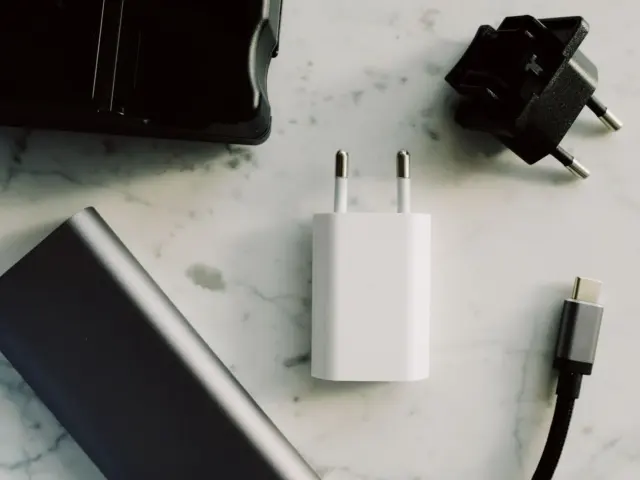
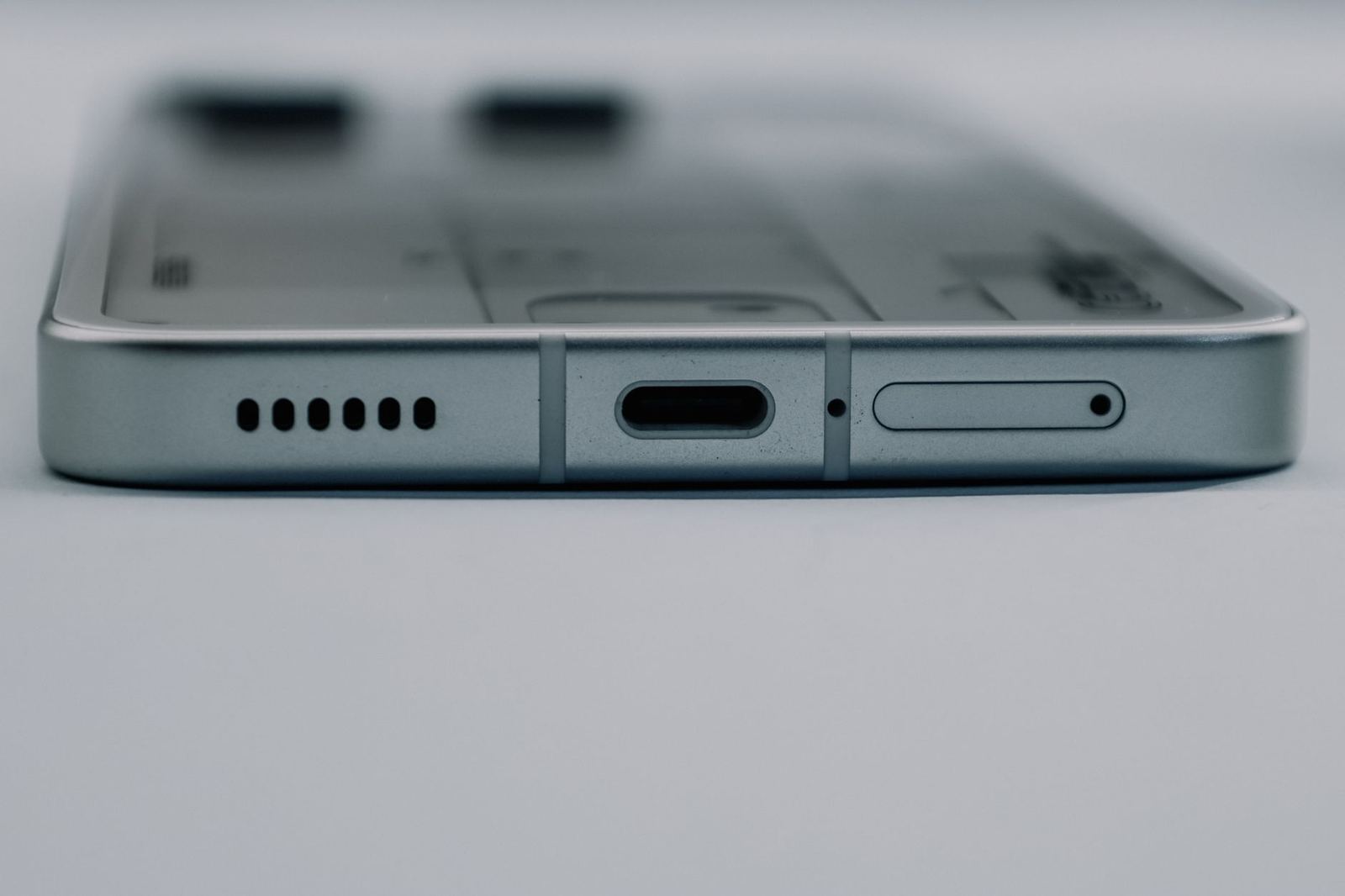
Charging speed is the other side of the battery. Fast charging depends on the phone, the charger and the cable agreeing on a standard, and different brands use different systems. The comparison of phone fast charging standards explains how they differ and why a charger from one brand may not charge another brand’s phone at full speed. On the port itself, the European Commission states that all new devices sold in the EU must now support USB-C charging, so USB-C is the common connector for new phones sold there.
Durability is the third consideration. Water and dust resistance is reported with an Ingress Protection code, and the explainer on the ip68 rating decodes what the digits mean and what they do not cover. A rating does not make a phone immune to damage, and warranty terms for liquid damage vary by manufacturer, so the maker’s own documentation is the place to check.
Buyers drawn to a new form factor can look at foldable phones, which trade a larger folding screen for a more complex hinge and a different durability profile. They are a distinct category and are best judged on their own terms rather than against a standard slab phone.
Software, updates and security
Software support is easy to overlook and often decides how long a phone stays useful. A phone that no longer receives security updates becomes harder to keep safe, and apps eventually stop supporting old operating system versions. Update promises differ widely between makers. Google, for example, states that Pixel 8 and later phones get 7 years of OS and security updates, counted from when the device first became available on the Google Store in the US. Other makers publish their own periods, and the page on android update policy explains how to find and compare them.
The choice between the two major operating systems shapes the whole experience, from the app store to how the phone works with other devices a person already owns. The comparison of android vs ios sets out the practical differences without declaring a winner. Someone already using a laptop, watch or earbuds from one ecosystem may find the matching phone simpler, while someone who values choice of hardware and price may prefer Android.
Security is partly a matter of the software the maker provides and partly a matter of habits. Screen locks, timely updates and careful app permissions do most of the work, and the page on smartphone security tips lists the basics. A phone’s update period and the security habits of its owner together decide how safe it is over time.
Connectivity and how you buy
Network support is a practical filter, especially for imported phones. The phone must support the radio bands used by the local network, and the two broad families of fifth-generation spectrum behave differently in range and speed. The explainer on sub-6 vs mmwave describes the difference between them. For a phone that crosses borders, checking the supported bands against the local network is the safest step, because the same model name can ship with different radio hardware in different markets.
SIM options are changing too. Apple describes an eSIM as a digital SIM that allows you to use a cellular plan from your carrier without having to use a physical nano-SIM. Readers can learn what is esim and how to switch, and also how it affects travel, since adding a local plan can be easier without a physical card. Not every carrier or every model supports eSIM, so it is worth checking both.
How a phone is bought affects its price and flexibility. Phones sold by a carrier are often tied to a contract or a lock, while a phone bought outright can be used with any compatible network. The comparison of unlocked vs carrier phone deals covers the trade-offs, including how financing works. Buying used or refurbished can lower the cost, and the guide to a refurbished phone explains grades, checks and warranties so that a lower price does not hide a problem.
Radio-frequency exposure is a regulated topic. Phones are rated with a specific absorption rate, and the page on the phone sar value explains what the rating means. The regulator in each country sets the limits, so readers with concerns should consult that regulator and the manufacturer’s documentation.

The end of a phone’s life belongs in the buying decision as well. Moving to a new handset is smoother when the steps are planned, and the page on how to transfer data to new phone hardware explains the usual methods. When the old phone is no longer needed, wiping and unlinking it correctly protects the previous owner, as set out in the guide on how to sell old phone handsets. A phone that holds resale value or can be passed on also lowers the real cost of ownership.
Shoppers interested in where phones and their brands come from can read the overview of chinese tech brands, which covers the companies and manufacturing hubs behind many handsets sold worldwide.
Comparing two phones in practice
Once the shortlist is down to two or three phones, a structured comparison saves time. A simple method is to rank the factors that matter for the intended use, then check each phone against that list instead of against the whole spec sheet. The order below works for most buyers, and every step uses information the manufacturer or an independent reviewer publishes.
- Software: look up the maker’s stated update period and whether it covers both operating system versions and security patches.
- Battery and charging: read independent battery tests and check which charger standard the phone uses and whether a charger is included in the box.
- Screen: confirm the panel type, the refresh rate and how bright the display gets outdoors in reviews.
- Camera: compare sample photos in low light and of moving subjects, since these separate cameras more than daylight shots do.
- Memory: pick the storage tier that leaves room for photos and apps, because it cannot usually be expanded later.
- Network: confirm the bands and SIM types supported by the phone match the carrier and the countries visited.
Specification pages from the manufacturer are the best starting point, because they list exact chip names, memory types and supported bands. Independent measurements are a useful check on claims such as battery life, which depend heavily on how the test is run. Where two sources disagree, the manufacturer’s documentation is the reference for what the phone supports, and a reviewer’s measurements are the reference for how it behaves in use.
It is also worth being wary of single numbers presented as a measure of overall quality. A benchmark score summarises one kind of workload, a camera resolution describes pixel count, and a peak brightness figure usually applies to a small part of the screen for a short time. These figures are not wrong, but each one answers a narrow question, and a purchase decision rests on several questions at once.
Common mistakes when choosing a phone
A few errors come up repeatedly. The first is paying for a feature that will not be used, such as the highest storage tier for someone who stores most files in the cloud, or a flagship chip for someone who only messages and browses. The second is ignoring the update period, so that a phone is cheap now but unsupported sooner than expected. The third is overlooking the bands and SIM support of an imported phone, which can leave a handset without full network coverage at home.
A fourth mistake is judging a phone by its launch price alone. Prices of older models often fall once a successor appears, and a model from the previous generation can offer nearly the same experience for less. Against that, the older model may have a shorter remaining update period, which is why the support timeline belongs in the comparison. A fifth mistake is leaving out accessories and ecosystem costs, such as a charger that is not included, a case, or a replacement battery service. These add to the real cost and are easy to forget at the point of purchase.
Finally, buyers sometimes treat brand reputation as a substitute for checking the specific model. A maker can sell excellent and weak phones in the same year, so the model-level specification, update policy and independent testing matter more than the logo on the back.
Frequently asked questions
Which spec matters most when choosing a phone?
Show answer
It depends on use, but software support, battery life and the screen affect nearly every day of ownership. Chip tier and storage matter next, and the camera matters most to people who photograph often.
Is a flagship phone always worth the extra cost?
Show answer
No. Flagships add the strongest chips and cameras, but mid-range phones handle everyday tasks well. The extra cost pays off mainly for demanding games, photography or longer software support.
Should a buyer pick Android or iOS?
Show answer
The choice depends on the devices a person already uses, the apps they rely on and the budget range. Both systems are mature, so the practical differences in ecosystem and update policy usually decide it.
Is a refurbished phone a good option?
Show answer
It can be, if the seller states the grade, includes a warranty and the phone still receives software updates. Checking the battery health and the lock status before buying avoids common problems.
How long should a phone last?
Show answer
That is set mainly by the maker’s update period and by battery wear. A phone with a long update commitment and a replaceable or well-managed battery stays usable for longer.