Phone battery health is the share of its original capacity a battery can still hold, and it declines with charge cycles, heat and time. Habits can slow the loss, but no habit stops it entirely.
Battery life is one factor among many when picking a handset, and the how to choose a smartphone guide places it alongside screen, camera and software support.
Why phone batteries wear out
Phones use lithium-ion cells, and every manufacturer treats them as a part that eventually needs replacing. Apple’s battery documentation states that all rechargeable batteries are consumables and have a limited lifespan, with capacity and performance declining until the battery needs to be replaced.
The same page explains that a battery’s lifespan is related to its “chemical age”, which is more than just the passage of time. As lithium-ion batteries chemically age, the amount of charge they can hold diminishes, resulting in shorter amounts of time before a device needs to be recharged. In day-to-day terms, an older phone does not just hold less; it also needs charging more often.
Two processes work together. Cycling, the repeated filling and emptying of the cell, gradually wears the materials inside. Calendar ageing happens even when a phone sits unused, driven mostly by temperature and how full the battery is kept. The practical advice below tries to reduce both.
What a charge cycle really means
A charge cycle is not the same as plugging in. Apple explains that you complete one charge cycle when you have used an amount that represents 100 percent of your battery’s capacity. Using half the battery in the morning and half in the evening counts as one cycle, not two, even though you charged twice.
Manufacturers publish design targets for how long the battery should stay healthy. Apple states that batteries of iPhone 14 models and earlier are designed to retain 80 percent of their original capacity at 500 complete charge cycles under ideal conditions, and that batteries of iPhone 15 models are designed to retain 80 percent of their original capacity at 1000 complete charge cycles under ideal conditions. These are design targets for one brand under ideal conditions, not guarantees, and other makers publish their own figures.
- Batteries are consumables: limited lifespan
- Chemical age: chemical age
- Capacity diminishes: diminishes
- Low charge, age, cold shutdowns: shutdowns
- Battery Health menu: Settings > Battery
Heat is the biggest everyday enemy
Temperature appears in nearly every battery guide. Apple says iPhone works best at 32° to 95° F (0° to 35° C) ambient temperatures, and warns that exposing a device to ambient temperatures higher than 95° F (35° C) can permanently damage battery capacity.
Battery University, an educational reference on battery chemistry, gives the same message in general terms: lithium-ion suffers from stress when exposed to heat, so does keeping a cell at a high charge voltage. It adds that elevated temperature hastens permanent capacity loss.
In practice that points to a few habits: do not leave a phone on a car dashboard in sunshine, take a thick case off if the phone gets hot while charging or gaming, and avoid charging under a pillow. Cold weather is less damaging in the long run, but Apple notes you are more likely to see unexpected shutdowns when a battery has a low state of charge, a higher chemical age, or when you are in colder temperatures.
Charging habits that help
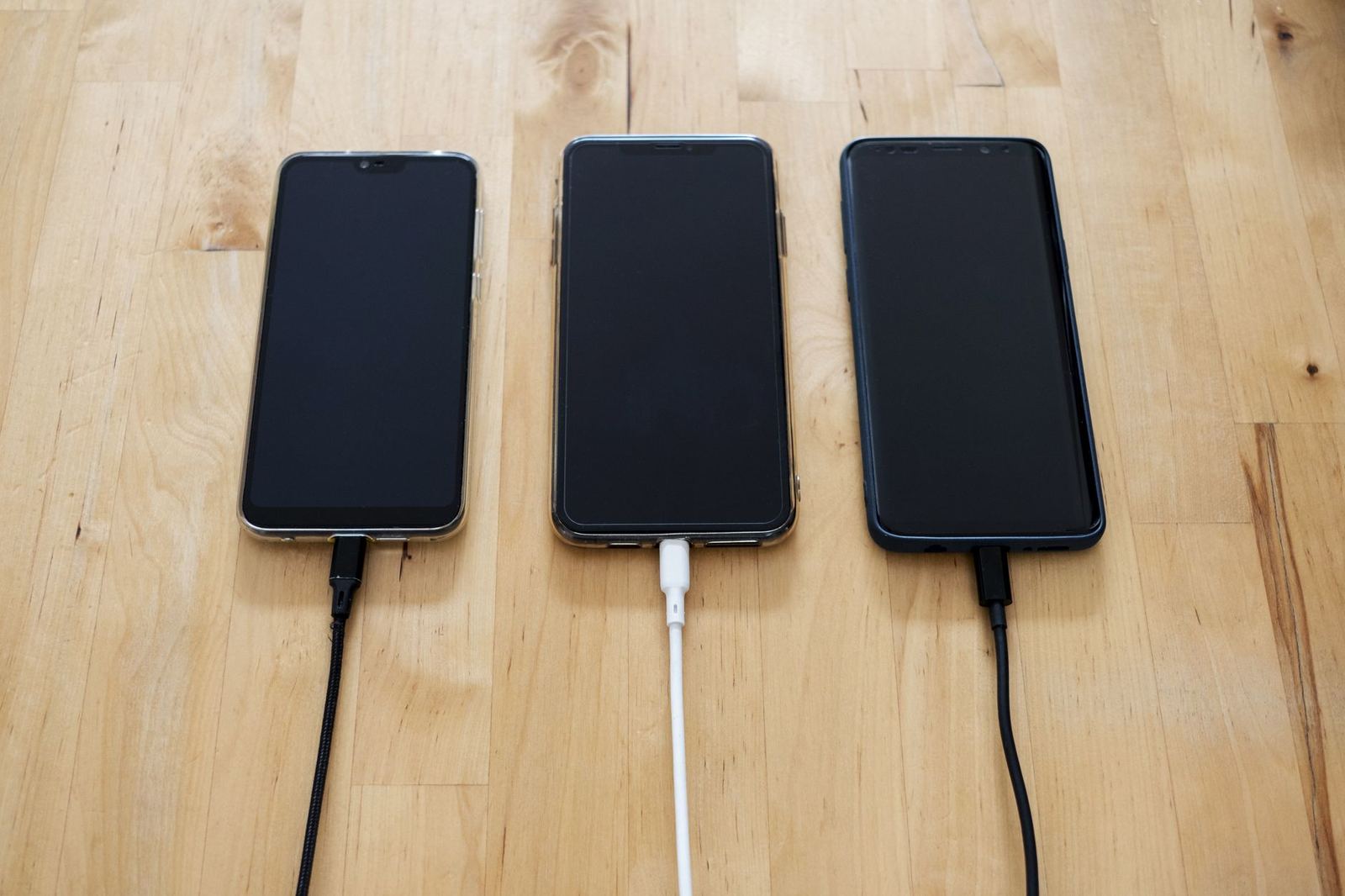
Battery University states that a partial discharge reduces stress and prolongs battery life, so does a partial charge. It also notes that exposing the battery to high temperature and dwelling in a full state-of-charge for an extended time can be more stressful than cycling. The takeaway is that sitting at full charge for hours is worse than topping up in short bursts.
Phone makers build this into software. Apple says built-in software and hardware systems manage charging patterns and battery temperature to reduce battery aging, and that Optimized Battery Charging and Optimized Charge Limit adapt to your daily usage and preserve your battery lifespan over time.
Google’s Pixel help page describes a related feature, Adaptive Battery, which learns from your phone usage to continuously optimize how apps use battery. That affects how long a charge lasts during the day rather than the long-term health of the cell, but it can mean fewer top-ups.
Checking and reading battery health
On an iPhone, the figure is in Settings: Apple’s instructions are to open the Settings app, then tap Battery, then Battery Health. Android makers place a comparable screen in different locations, and some phones show only a rough status, so look in the battery section of settings or the manufacturer’s support pages for the exact path.
Treat the percentage as an estimate. It is a calculation by the phone’s software, and it can shift slightly from week to week. A steady downward trend matters more than a single reading. If a phone shuts down at a moderate charge level or needs charging several times a day, the battery may be due for service by the manufacturer or an authorised repairer.
Storing a phone you are not using
If a phone will sit in a drawer, the charge level matters. Apple recommends not fully charging or fully discharging the battery, and instead charging it to around 50%. It warns that a battery stored fully discharged could fall into a deep discharge state, which renders it incapable of holding a charge.
The same advice applies to a spare handset or a backup device. Keep it somewhere cool and dry, and check it periodically instead of forgetting it for years. Broader guidance on caring for cells across devices appears in the guide on lithium ion battery care, which is a related article on this site.
Battery health and the phone you buy
Battery size is one reason to compare models, but storage and memory also affect how a phone feels as it ages, which the article on phone storage and ram explains. Software matters too: platforms differ in how they manage power and how long they provide updates, a topic covered in android vs ios.
When comparing models, look for the manufacturer’s stated charge-cycle target, whether the battery can be replaced through an official service, and whether the software offers a charge limit. Those details tell you more about long-term battery health than the capacity number on a spec sheet.
Frequently asked questions
Is it bad to charge a phone overnight?
Show answer
Not necessarily. Modern phones manage charging, and features such as Optimized Battery Charging are designed to reduce time spent at a full charge. Heat is the bigger concern, so avoid covering the phone while it charges.
What counts as a charge cycle?
Show answer
One cycle is used when an amount equal to 100 percent of the battery’s capacity has been consumed, which may be spread across several partial charges.
At what level should a phone be stored?
Show answer
Apple recommends charging to around 50% before long-term storage, rather than storing a battery fully charged or fully discharged.
Does heat really damage a phone battery?
Show answer
Yes. Apple says ambient temperatures higher than 95° F (35° C) can permanently damage battery capacity, and Battery University says elevated temperature hastens permanent capacity loss.