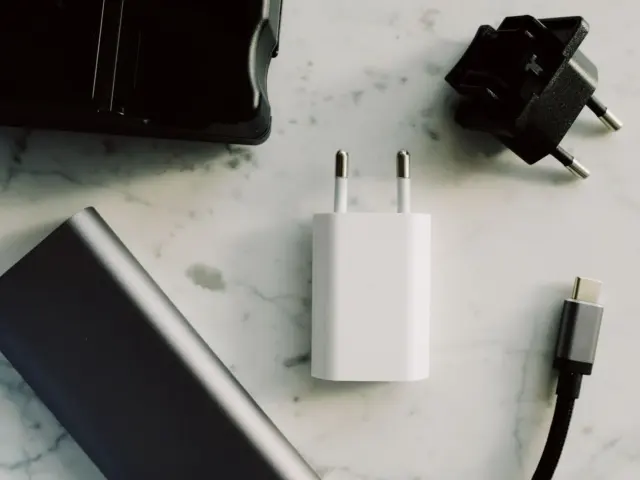

Phone storage and RAM are different things: storage holds your files and apps for the long term, while RAM is working memory for what is running now. How much of each you need depends on your photos, apps and how long you keep the phone.
Both numbers are part of the wider checklist in the guide on how to choose a smartphone, alongside the chip, screen and software support.
Storage and memory are not the same
Spec sheets use “memory” loosely, and the confusion is common. Google’s Android help page draws the line clearly: storage is where you keep data, like music and photos, and memory is where you run programs, like apps and the Android system.
In practice:
- Storage (also called internal storage or ROM in some markets) is the flash chip that keeps the operating system, installed apps, photos, videos, downloads and offline media. It holds data even when the phone is off.
- RAM is the fast working memory the system and running apps use. It is cleared when the phone restarts.
Running short of one produces a different symptom from running short of the other. Full storage blocks new photos, app installs and updates. Too little RAM tends to show up as apps reloading when you switch back to them, rather than as an error message.
What takes up storage
Storage is used by more than the files you chose to keep. Apple’s support page describes the categories its phones report, including apps, photos, media, messages and a “System” category, and says that System is the space taken by the operating system and this can vary based on your device and model. Android phones likewise reserve part of their listed capacity for the system, so the figure you can use is lower than the number on the box.
Google also sets floors for phones that carry its apps and services. GSMArena reported on 15 April 2025 that, with Android 15, Google requires at least 32GB of storage for smartphones that want to have its suite of apps and services preinstalled. The same report says at least 75% of that storage must be dedicated to the data partition, and that the previous limit was 16GB, enforced since Android 13, and before that it was 8GB. These are minimums for licensing, not recommendations for real use.
For most people the biggest consumer of space is photos and video. Apple’s storage page lists Photos as its own category covering photos and videos stored in the Photos app. Higher camera resolutions and longer videos mean files grow with each phone generation.
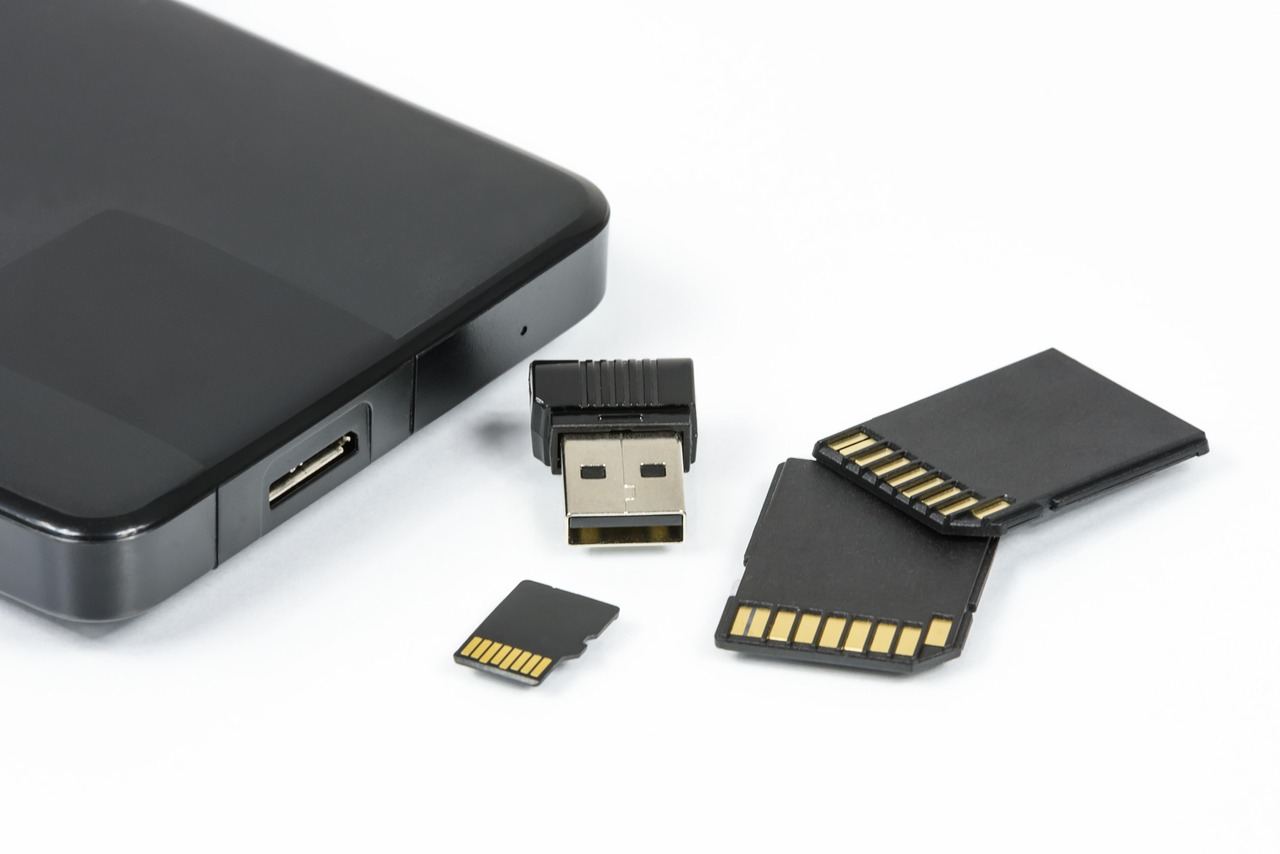
Using the cloud to stretch storage
Cloud services shift the problem rather than remove it, because they have limits of their own. Google says a Google Account comes with up to 15 GB of storage and you can always buy more storage or clean up your storage space. Its Photos help page adds that photos and videos backed up in Original quality count toward your Google Account storage, and that the Storage saver option compresses them: a photo larger than 16 MP is resized to 16 MP, and videos higher than 1080p are resized to high-definition 1080p.
Apple’s paid iCloud+ plans are sold in several sizes, including 2 TB, 6 TB and 12 TB, with smaller tiers also offered in most regions. Prices differ by country, so they are best checked on Apple’s own page.
Both Apple and Google also offer tools that clear space on the phone itself. Apple says that when a device is low on storage, it frees up space by removing items that you can download again or aren’t needed, like unused apps and temporary files. It also lets users offload an app, which frees up the storage used by the app but keeps its documents and data. Android’s equivalent is Smart Storage, which can automatically clear backed-up photos and videos when a device’s storage is almost full.
A cloud plan helps only if you will actually keep paying for it and have the connection to reach your files. Someone who travels, shoots long videos or works offline may prefer more built-in capacity than someone who is always online.
What RAM does, and how much is the floor
RAM matters most for multitasking and for how long apps stay ready in the background. Android’s developer documentation explains one reason: any memory an app modifies remains resident in RAM and cannot be paged out. In other words, active apps occupy real RAM, and the system must reclaim memory from something when it runs short.
Google’s licensing rules show where it draws lines. The GSMArena report says devices with 2GB and 3GB of RAM must use Android Go Edition, the version designed for ultra-low-end phones. Phones with 4GB of RAM can still get Google’s apps and run full Android 15, but starting on Android 16 they will also have to go the Android Go route, meaning there will in effect be a minimum RAM requirement of 6GB for running full Android.
That floor concerns the lightest viable phone, not a comfortable daily driver. A phone that meets the minimum will run, but it leaves little headroom for heavy apps, games or several large apps open together.
How to decide for your own use
Instead of chasing the largest number, match the specification to how you use the phone.
- Check what you use now. Phones list storage by category in settings. On Android, Settings then Storage; on iPhone, Settings, General and then the device storage entry. If a lot of the total is photos and video, plan for more space or a cloud plan.
- Think about how long you will keep it. Apps, system files and photo libraries grow over time, so a phone kept for several years benefits from spare room at the start.
- Consider whether the phone has a card slot. Some phones accept memory cards; many do not. Check the manufacturer’s specification before buying.
- Treat RAM as a secondary check. The chip and software optimisation shape how well a phone multitasks, and a larger RAM figure on a weak chip does not guarantee a smooth experience.
The guide to unlocked vs carrier phone options explains how purchase route affects the choices on offer.
Finally, heavy use of storage and apps can interact with battery wear, since a busy phone works its battery harder. The guide to phone battery health covers what ages a battery and how to slow it.
Frequently asked questions
Is RAM the same as storage?
Show answer
No. Storage holds files and installed apps for the long term, while RAM is the working memory used by the system and the apps currently running.
Why is the usable storage less than the number on the box?
Show answer
The operating system and its files take part of it. Apple lists a System category for the space taken by the operating system, and says it varies by device and model.
Can cloud storage replace built-in storage?
Show answer
Partly. A free Google Account includes up to 15 GB, and paid plans add more, but you need a connection to reach files and ongoing payments to keep the space.
What is the smallest storage Google allows on new Android phones?
Show answer
For phones that include Google’s apps and services, Android 15 requires at least 32GB, according to a GSMArena report from April 2025.