
A 120Hz refresh rate means a phone screen can update at up to 120Hz, above the typical 60Hz panel, which mainly makes scrolling and animation look smoother rather than changing picture quality.
This independent explainer covers what the number means, how adaptive screens save power and what to weigh when shopping, as a companion to the guide on how to choose a smartphone. It is not affiliated with any phone maker.
Refresh rate defined
Refresh rate is the number of times per second a display updates what it shows, measured in hertz (Hz). Android’s developer documentation notes that traditionally, most devices have supported only a single display refresh rate, typically 60Hz, and that many devices now support additional refresh rates such as 90Hz or 120Hz.
It helps to separate two ideas. Refresh rate belongs to the screen, while frame rate is how often an app or game produces a new image. A 120Hz screen can only show new frames as fast as the software delivers them, so a video that arrives at a lower frame rate does not look any different simply because the panel is capable of more.
Gains in scrolling and games
The clearest gains appear in motion the user controls: scrolling a long page, swiping between screens and fast games. The OLED industry coverage of Samsung Display’s technology describes the logic in its own terms, reporting that 120Hz is used for gaming, 60Hz for movies, 30Hz for e-mails or text editing and 10Hz can be used for still images or social networking.
Researchers publishing in the National Library of Medicine’s PubMed Central archive make the same split, stating that high-frame-rate technologies are used to achieve superior image quality in high-performance applications such as gaming or watching movies.
A higher rate does not improve a static photo, a still web page or text that is not moving. Those cases are where a phone can safely drop to a lower rate.
Video playback at 24Hz
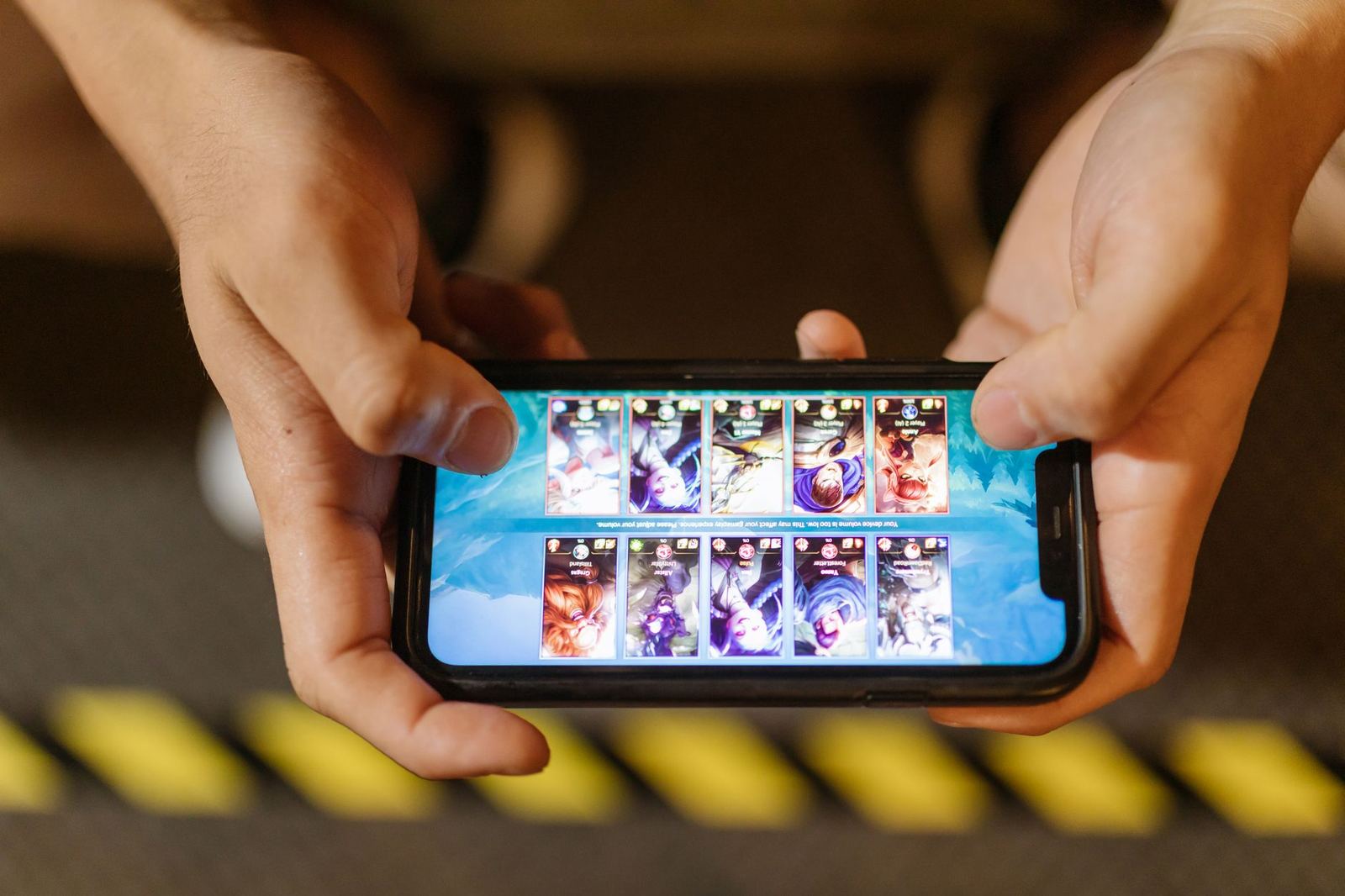
Film and much streamed video is made at a low frame rate. Android’s documentation uses the example of an app that plays 24Hz video: the system may switch the display from 60Hz to 120Hz, and the page explains that this enables smooth, judder-free playback of 24Hz video, with no need for 3:2 pulldown that a 60Hz display would require.
The reason is arithmetic: 24 divides evenly into 120 but not into 60, so each film frame can be held for the same number of refreshes. That is a case where a high-refresh screen helps video, even though the video itself is not any faster.
The same documentation adds two caveats. It also states that the scheduler weighs several factors, so there is no guarantee that an app gets the frame rate it requests.
Shared control between apps and system
Software has a say as well as the panel. Android’s frame rate API lets apps inform the platform of their intended frame rate and is available to apps that target Android 11 (API level 30) or higher. The system then picks a display rate that suits that request along with other factors, which is why a game, a video player and a web browser can each end up with a different refresh rate on the same phone.
For a buyer, the practical point is that a phone’s maximum refresh rate describes what the hardware can do, not what every app will use. Behaviour can differ between apps, between settings modes and between software versions, so claims in marketing material are best read as a ceiling.
Adaptive and LTPO screens
Apple’s iPhone 15 Pro specifications list ProMotion technology with adaptive refresh rates up to 120Hz, which means the rate rises and falls with what is on screen.
Variable-rate OLED screens rely on a backplane technology called LTPO. The NIH-hosted paper describes it as made up of low-temperature poly-Si (LTPS) thin-film transistors and metal-oxide-semiconductor (oxide) transistors, and presents a pixel circuit for variable refresh rates ranging from 1 to 120 Hz. The same paper notes that Apple’s early LTPO circuit, mass-produced in the Apple Watch Series 4, enabled an adjustable frame rate between 1 and 60 Hz.
Samsung Display announced a comparable approach it calls Adaptive Frequency, which per OLED-Info ranges from 10Hz to 120Hz and was first applied in the Galaxy Note20 Ultra 5G.
Because LTPO is an OLED backplane, it is closely tied to panel type; the guide to oled vs lcd covers how the two display families differ.
Battery and power
Refreshing a screen costs energy, so running it faster generally costs more. The PubMed Central paper says that the low-frame-rate operation is a feasible way to realize power savings.
Samsung’s own figures, as reported by OLED-Info, are that running OLEDs at low refresh rates when possible can reduce the power consumption of the display by up to 22% across all applications, and that at 10Hz the display consumes as little as 60% of the power compared to 120Hz. These are manufacturer claims about its own panels, not measurements of a particular phone, and the real saving depends on how the phone is used, as set out by OLED-Info’s report.
| Use case | Refresh rate cited |
|---|---|
| Gaming | 120Hz |
| Movies | 60Hz |
| E-mail or text editing | 30Hz |
| Still images or social networking | 10Hz |
Rates in this table are the examples reported by OLED-Info for Samsung Display’s Adaptive Frequency technology.
Checks when comparing phones
A spec sheet figure of 120Hz can mean different things, so it is worth reading the details rather than the headline number alone. Useful questions are whether the rate is fixed or adaptive, what the lowest rate is, and whether the setting can be changed to a lower value to save battery.
Refresh rate is one display spec among several, together with brightness, resolution and panel type, and it should be weighed alongside chip, battery and software support rather than on its own. Other buying topics, such as connectivity, are covered separately, for example what is esim. Manufacturer specification pages are the place to confirm the exact behaviour of a specific model.
Anyone who values battery life over motion can pick the lower option, and anyone who games or scrolls a lot can pick the higher one. Neither choice changes colour accuracy, resolution or brightness, which are separate properties of the panel.
Frequently asked questions
Is 120Hz the same as 120 frames per second?
Show answer
No. Android’s documentation treats them as separate settings that the system matches.
Does 120Hz use more battery?
Show answer
Generally yes, which is why adaptive screens lower the rate for static content. Samsung says that at 10Hz its display consumes as little as 60% of the power compared to 120Hz.
What does adaptive refresh rate mean?
Show answer
The screen changes its rate depending on content. Apple lists ProMotion technology with adaptive refresh rates up to 120Hz on the iPhone 15 Pro.
Why does 24Hz video look better on some phones?
Show answer
Android’s documentation says a 120Hz display can play 24Hz video without 3:2 pulldown, which a 60Hz display would need.