Portable SSD vs HDD is a trade between speed and ruggedness on one side and price per terabyte on the other. A flash-based drive has no moving parts and moves data faster; a spinning hard drive usually costs less for the same capacity.
Both drive types sit in the wider decision covered in the gadget buying guide, where storage is one spec among many.
How the two drive types store data
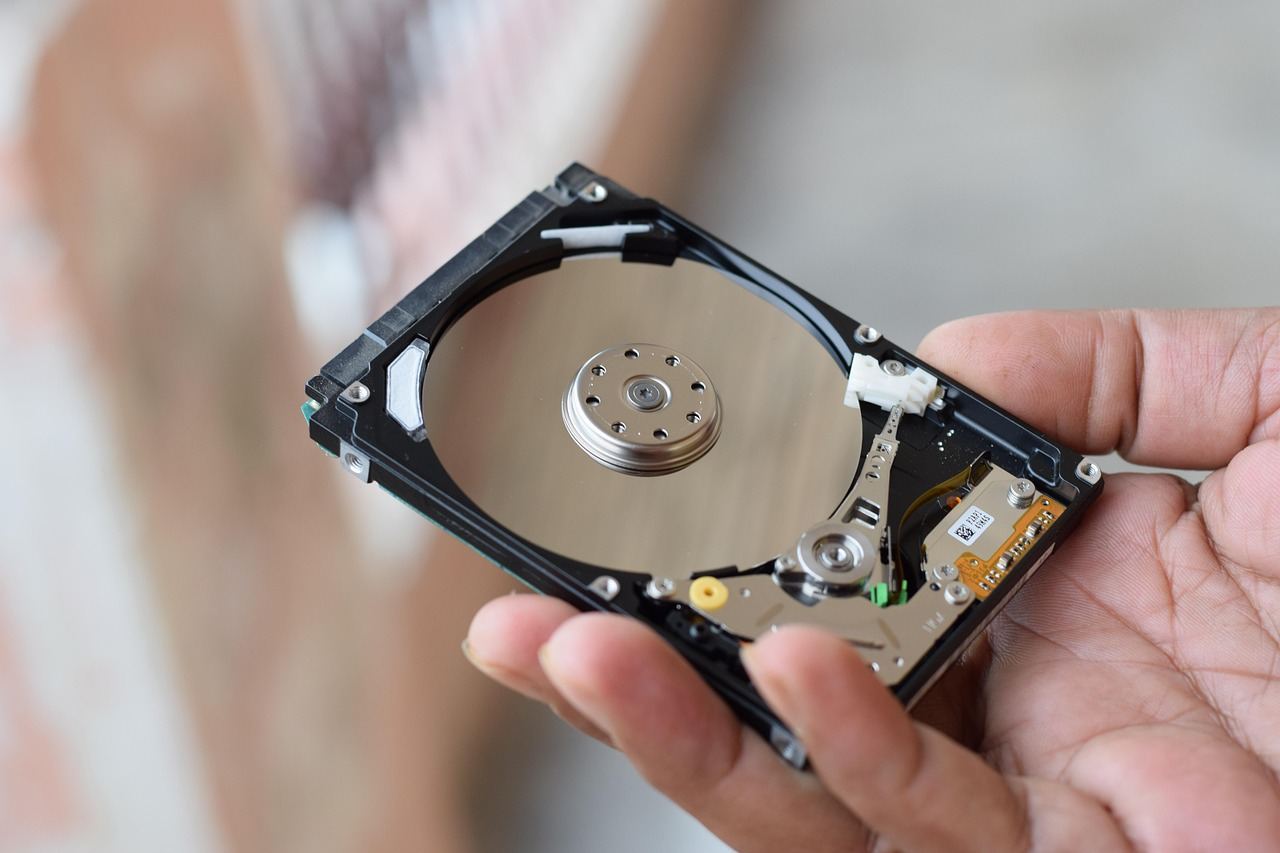
A hard disk drive stores data magnetically on spinning platters. According to Crucial, a drive maker, these drives consist of one or more platters, an actuator arm with a read/write head, and a motor, and the platters spin at 4200 rpm to 7200 rpm in consumer computers. The head has to physically move to the right spot before it can read anything, and that wait is the main reason hard drives feel slow.
A solid state drive stores data in flash memory. Western Digital describes an SSD as one that uses flash memory with no moving parts. A controller keeps track of where data sits, so a request is answered electronically rather than by waiting for a platter to come around.
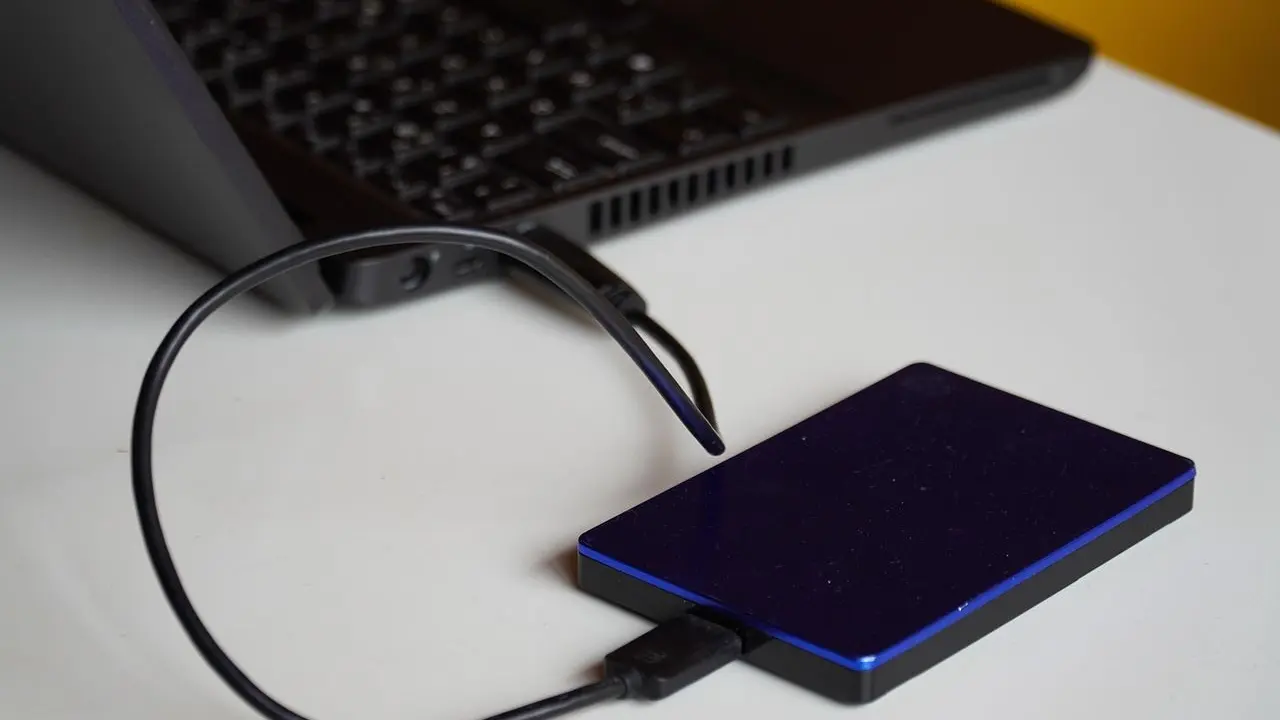
A portable version of either drive is the same technology in a smaller enclosure with a USB connector. The enclosure and its interface decide how much of the drive’s ability reaches the computer, which is why two portable drives with the same label can behave differently.
Speed: what each type delivers over USB
Speed is where flash wins most clearly. Crucial lists a read speed of up to 2,100 MB/s for one portable SSD in its range, and states the figure is a sequential read measurement for that specific model. Sequential speed describes one large file moving in a straight line, such as copying a video.
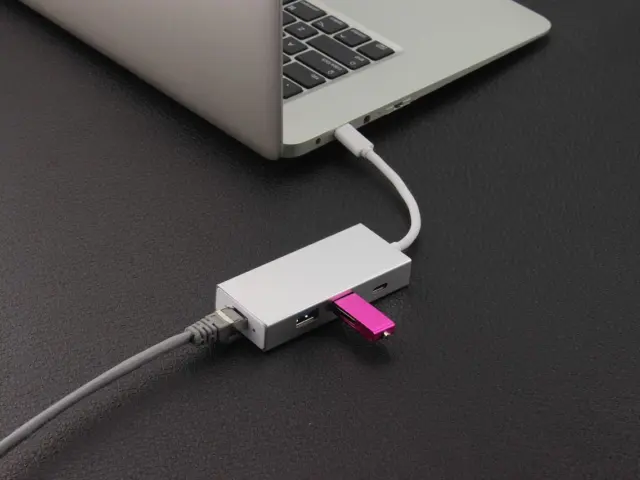
The cable and port set a ceiling. The USB Implementers Forum says USB 3.2 identifies three transfer rates: 20Gbps, 10Gbps, and 5Gbps. A portable SSD that can use the faster rates will be held back if it is plugged into a 5Gbps port or joined by a basic cable. A hard drive rarely fills even the slowest of those lanes, so a spinning drive gains little from a faster port.
For ordinary jobs such as copying photos, backing up a laptop overnight or moving documents between two computers, both types are workable. The gap becomes obvious when working directly from the drive, for example scrubbing through video or running a game library from external storage.
Durability and wear
Because a hard drive has moving parts, handling matters. Crucial notes that the mechanical parts can skip or even fail if they are handled roughly or dropped. That is a practical concern for a portable drive that lives in a bag, gets knocked on a desk and is unplugged mid-transfer.
The same source says that without moving parts, SSDs are more durable, run cooler and use less energy. Weight follows the same pattern: Crucial says HDDs are also heavier and use more energy than comparable SSDs, which matters for a drive carried every day or powered from a phone or tablet.
Flash has its own limit, though. Memory cells wear out through use, and Western Digital states that SSDs face finite write cycles. Crucial explains that a block can only be rewritten a finite number of times, which is why SSD controllers spread writes evenly across the drive and why endurance is quoted in terabytes written (TBW). For most people copying and archiving files, the wear limit is far from reached, but a drive used for heavy daily rewriting, such as scratch space for video editing, consumes it faster.
On lifespan, Crucial’s FAQ puts SSDs at roughly 5 to 10 years under normal usage and HDDs at roughly 3 to 5 years, while stressing that both depend on usage and care. Treat that as a rough range from one manufacturer rather than a guarantee for any single drive.
Reliability data worth knowing about
Individual drives fail unpredictably, so large fleets give the best guide. Backblaze, a cloud storage company, has published annualized failure rates for the hard drives and SSDs in its data centers since 2013. The data covers data-center drives that run continuously, not a portable drive that is plugged in now and then, so it should not be read as a promise for a particular portable model.
The practical lesson from that kind of data is simpler: any drive can fail. Neither a portable SSD nor a hard drive should hold the only copy of anything important. Keeping a second copy on a different device or an online service matters more than the choice between flash and platters.
Capacity and cost
Hard drives still lead on capacity per dollar. Crucial says HDDs are frequently less expensive than solid state drives for the same amount of storage, and as of November 2026 Western Digital says hard drive capacity can scale to more than 36TB per drive. Those largest models are built for data centers and desktops rather than for slipping in a pocket, but the principle holds at portable sizes: a given budget buys more terabytes as a spinning drive.
Crucial’s own portable SSD range, for comparison, reaches capacities up to 4 TB. Prices for both types change often, so check current listings rather than relying on any figure printed here.
The cheapest approach is not always the best value. A drive that is slow enough to discourage regular backups, or fragile enough to fail when dropped, costs more in the end than the premium for flash. The reverse is also true for a rarely touched archive, where a hard drive stored safely gives more space for the money.
Which suits which job
Portable SSDs fit work where speed and knocks matter. Content creators often fill cards quickly, and a fast drive shortens the offload; the action camera basics guide shows how much footage high-resolution recording can produce. Phones and tablets with limited internal storage also pair well with a small, light, bus-powered SSD, and the how to choose a tablet guide covers why built-in storage is worth weighing at purchase.
A portable hard drive suits bulk storage where cost per terabyte matters more than speed: photo archives, old project folders, family video libraries and periodic full-computer backups. It is best kept at a desk or in a drawer, and moved gently.
- Choose a portable SSD for carrying around, editing from the drive, or working with many small files.
- Choose a portable hard drive for the lowest cost per terabyte and large archives that stay put.
- Check the port and cable on both ends, because the connection can cap speed.
- Keep a second copy of anything that matters, whichever type is chosen.
Frequently asked questions
Is a portable SSD always faster than an external hard drive?
Show answer
In sequential transfers a flash drive is usually far faster, but the port, cable and enclosure set the real limit. A fast SSD on a slow USB connection will not reach its rated speed.
Do SSDs wear out faster than hard drives?
Show answer
SSDs face finite write cycles, according to Western Digital, while hard drives wear mechanically. Normal file storage uses only a small part of an SSD’s endurance, so the type of use matters more than the drive type.
Which type survives a drop better?
Show answer
Crucial says SSDs are better able to withstand movement and dropping, and warns that a hard drive’s mechanical parts can fail if it is dropped. Neither is safe from damage, so handling still counts.
Can one drive be the only backup?
Show answer
No drive type is immune to failure, so important files should exist in at least two places. A portable drive is a convenient second copy, but it should not be the only copy.