Learning how to choose a tablet starts with the job it must do: reading, video, drawing, note-taking or light work. Match the screen, storage, software support and connectivity to that job, and ignore the rest of the spec sheet.
This page is one part of the wider gadget buying guide, which covers specs, value and longevity across categories. It is an independent informational site and is not affiliated with any tablet maker or retailer named below.
Start with what the tablet is for
A tablet is a single slab of glass, and the same hardware can serve very different buyers. Someone who mostly watches video and reads needs a good screen and a comfortable weight. Someone who sketches or takes handwritten notes needs a stylus that the tablet supports. Someone who wants to replace a laptop for email and documents needs a keyboard accessory, a capable chip and enough storage for files.
Writing the intended use down first makes every later decision easier. It also guards against paying for features that will never be used.
The category is large. In 2025, according to IDC, worldwide tablet shipments increased 5% year over year to 151.9 million units. IDC also reported that entry-level iPads accounted for nearly 52% of Apple’s quarterly sales in the fourth quarter of 2025, a sign that many buyers choose a basic model for everyday use rather than the top of a range.
Screen size, resolution and brightness
Screen size drives almost everything else about how a tablet feels. A smaller panel is easier to hold in one hand on a train. A larger panel suits drawing, split-screen work and watching video on a desk, but it adds weight.
Manufacturer spec pages show how large that trade-off is. Apple’s iPad Air specifications page lists an 11-inch Wi-Fi model at 1.02 pounds (464 grams) and a 13-inch Wi-Fi model at 1.36 pounds (616 grams). Both are the same product line, so the difference comes almost entirely from panel size.

Resolution and brightness matter next. The same Apple page lists the 11-inch model at 2360-by-1640 pixels and 264 ppi with 500 nits of brightness, and the 13-inch model at 2732-by-2048 pixels and 264 ppi with 600 nits. The pixel density is the same on both, which is why text looks equally sharp on either size. Brightness is the number that changes how usable a screen is near a window or outdoors.
Other points to look for on any spec sheet:
- Panel type, such as LCD or OLED, which affects black levels and contrast.
- Refresh rate, where a higher figure makes scrolling and stylus strokes look smoother.
- Anti-glare or anti-reflective coating, which helps in bright rooms.
- Aspect ratio, since a squarer screen suits documents and a wider one suits video.
Chip, memory and storage
The chip sets how fast apps open, how smoothly several apps run side by side and how long the tablet stays useful as software grows heavier. For reading, streaming and browsing, a mid-range chip is rarely the limit. For video editing, large drawing canvases or demanding games, a faster chip and more memory make a visible difference.
Most tablet chips share a design lineage with phone chips, so the same logic that applies to phones applies here: look at the maker’s description of the chip and judge it against the apps planned, not against a benchmark headline.
Storage is the part most buyers underestimate, because it usually cannot be upgraded later. Apple lists its iPad Air in 128GB, 256GB, 512GB and 1TB capacities. Apps, offline video, downloaded games and photos fill space quickly, and the operating system itself takes a share. A buyer who relies on cloud storage can choose less. A buyer who downloads films for travel or keeps large drawing files should plan for more.
Check the spec sheet for a card slot before assuming one exists. External drives are another route, and the trade-offs between flash and spinning disks are laid out in this explainer on portable ssd vs hdd options.
Software and update support
A tablet is used for years, so the length of software support matters as much as the hardware. Security updates close vulnerabilities, and new operating system versions bring features and app compatibility. Makers publish this information in different ways, and it differs between product lines.
Google, for example, states on its support page that Pixel 8 and later phones will get updates for 7 years starting from when the device first became available on the Google Store in the US. That page covers phones rather than tablets, but it shows the kind of commitment a buyer can look for. Each maker publishes its own policy per model, so the reliable approach is to find that statement on the manufacturer’s site before buying.
The software ecosystem is the other half of the decision. Buyers who rely on particular apps, such as a note-taking program or a drawing tool, should confirm that those apps exist for the tablet’s platform and that they use the larger screen well.
Wi-Fi, cellular and battery
A cellular model costs more and needs a data plan, so it only makes sense for people who work on the move without a phone hotspot.
The Wi-Fi standard in the tablet affects speed at home. The Wi-Fi Alliance says Wi-Fi 7 was introduced in 2024 and that its 320 MHz channels in the 6 GHz band provide twice the throughput of Wi-Fi 6. The benefit only appears if the router also supports the same standard, so a newer tablet on an older router will connect at the router’s level.
Apple’s specification page lists a built-in 28.93-watt-hour battery for the 11-inch iPad Air and 36.59-watt-hour for the 13-inch model. Its rated life is up to 10 hours of surfing the web on Wi-Fi or watching video, and up to 9 hours of surfing the web using the cellular data network. These are manufacturer ratings under defined conditions, so real use with a bright screen, games or video calls will differ.
Ports, accessories and add-ons
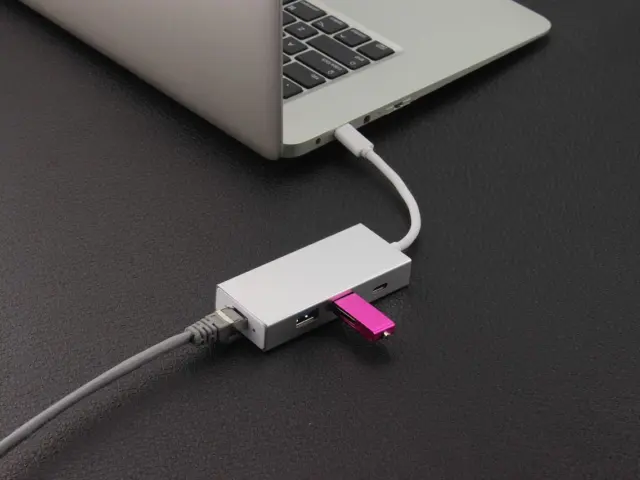
A single port is limiting, though, if a keyboard, a drive and a charger all need to connect at the same time. Understanding the usb hub vs docking station difference helps here, because a small hub is usually enough for a tablet while a dock is aimed at a desk setup.
Accessories can add significant cost, so include them in the budget from the start:
- A case or cover that protects the screen and doubles as a stand.
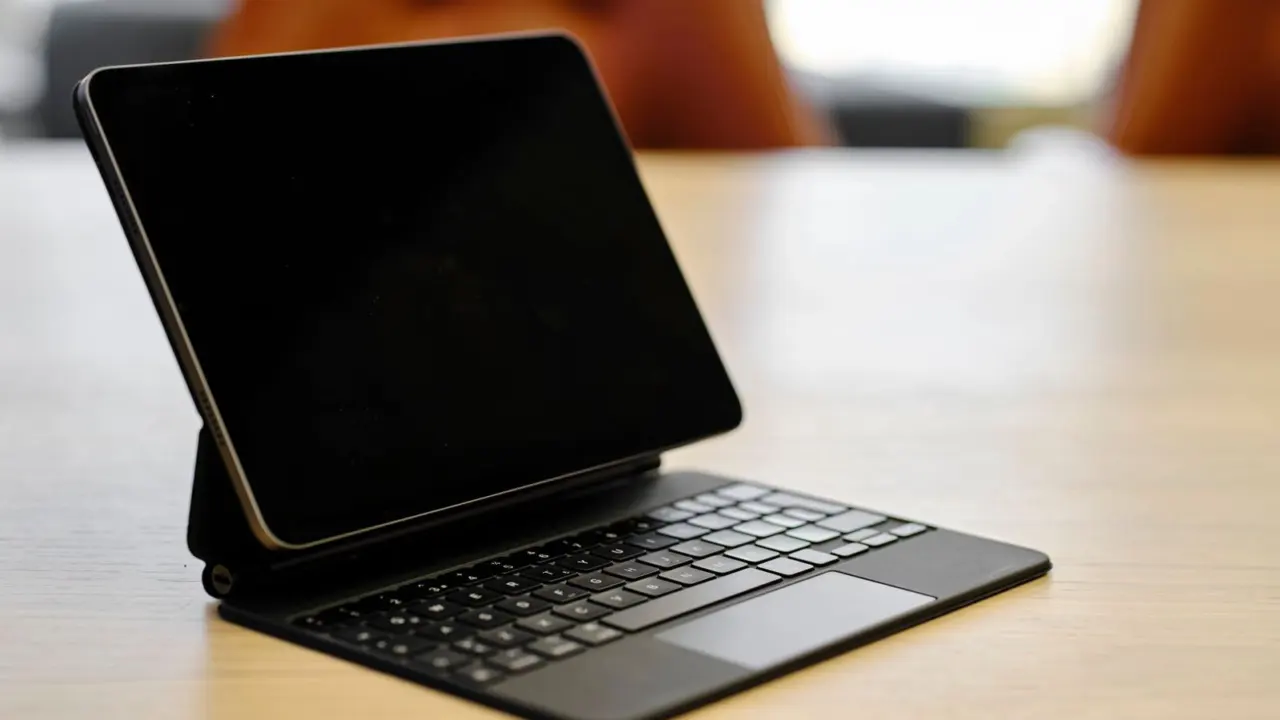
- A keyboard case, for anyone planning to type for long stretches.
- A stylus, which only works if the tablet supports that specific model.
- A screen protector with a matte finish for people who draw or write.
Compatibility is model specific, so confirm which stylus and keyboard generation a given tablet supports before buying one.
A simple way to compare shortlisted tablets
Once a short list exists, put the key numbers side by side and compare only what matters for the intended use. Weight, screen size, brightness, storage, rated battery hours and the manufacturer’s stated update period cover most of the decision. Everything else is either a luxury or a marketing line.
It also helps to separate needs from wants. A need is a feature that, if missing, makes the tablet unusable for the job, such as stylus support for a note-taker. A want is a nice extra that can be dropped when the budget is tight, such as the highest storage tier. Rank the list by needs first, and let the wants break ties.
Frequently asked questions
How much storage does a tablet need?
Show answer
It depends on use. Streaming and browsing need little local space. Offline films, games and large creative files need more, and because storage often cannot be added later, it is worth buying the tier that matches the heaviest planned use.
Is a cellular tablet worth it?
Show answer
Only for people who often work away from Wi-Fi and do not want to share a phone connection. Cellular models cost more and need a data plan, and rated battery life can be shorter on cellular, as Apple’s specifications show.
Does a bigger screen mean a better tablet?
Show answer
Not automatically. A larger panel suits drawing and multitasking but adds weight, as the 464 gram and 616 gram figures on Apple’s spec page show. A smaller tablet is easier to carry and hold.
How long should a tablet be supported with updates?
Show answer
Longer is better, but there is no single standard. Each maker publishes its own period for each model, so find that statement on the manufacturer’s site before buying.