The USB vs XLR microphone choice comes down to where the sound is converted to digital: inside the microphone for USB, or in a separate audio interface for XLR. Each route suits different needs.
This guide is part of the wider gadget buying guide, and focuses on how the two connection types differ in practice.
How each connection works
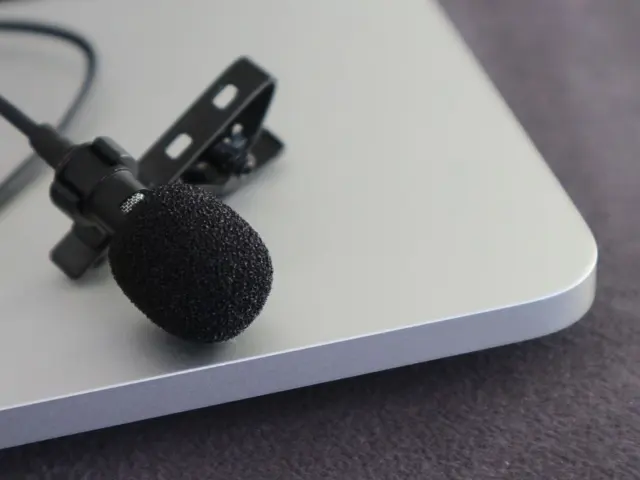
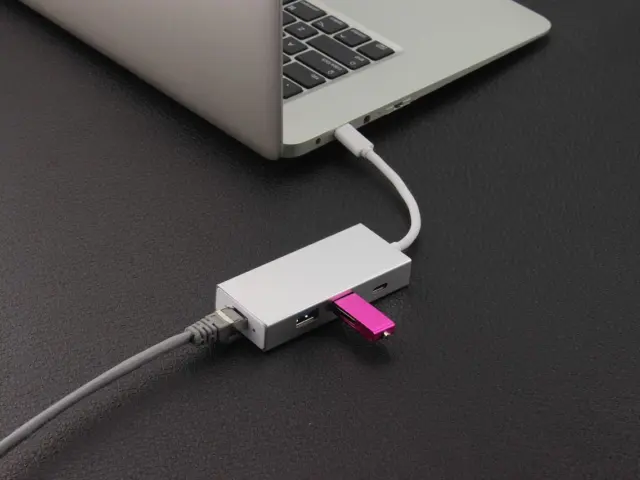
A USB microphone is a self-contained unit. According to Elgato, a USB microphone packs the capsule that picks up a voice, a preamp that boosts the signal, and a converter that turns it into digital audio into one device. The computer sees it as an input device, and the converter and preamp are chosen by the manufacturer rather than by the user. That is the reason setup is usually a matter of plugging in and selecting the input.
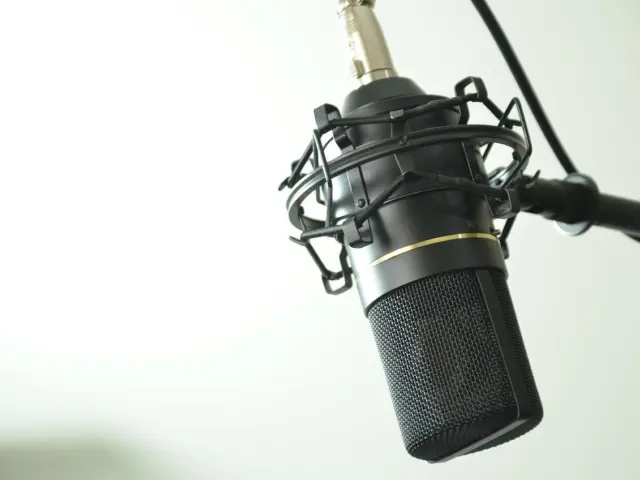
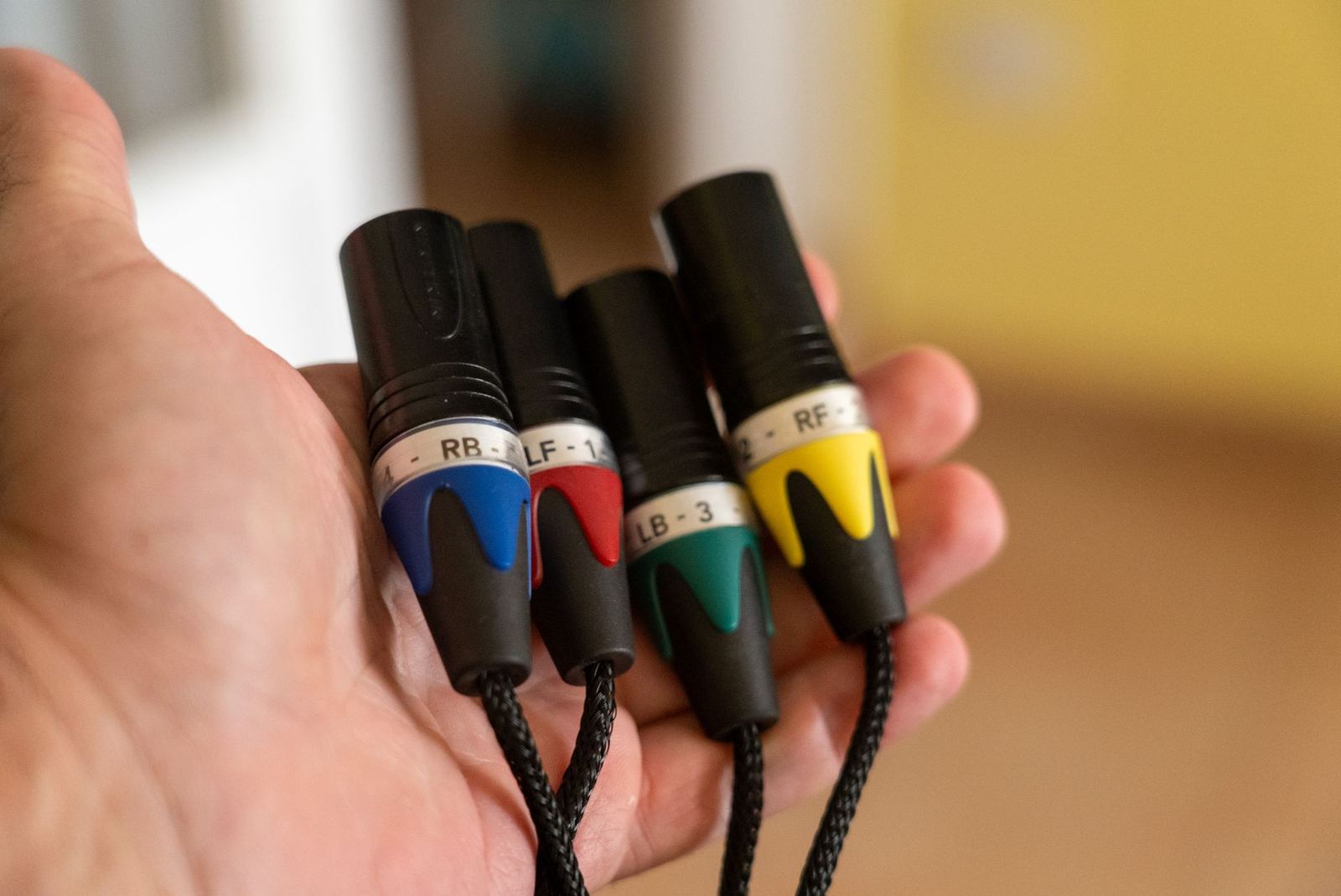
An XLR microphone works differently. Elgato describes an XLR microphone as outputting an analog signal through a three-pin XLR cable, with no converter of its own, so it needs an audio interface that amplifies the signal and converts it to digital audio. The interface is a required part of the chain and shapes how the whole setup sounds.
The XLR connector has a long history in professional audio. According to Wikipedia, its latching design dates back to the Cannon XL model of connector, added by 1950, and the letters XLR later became the common name for the type. The balanced connection it carries helps reject interference, which Elgato notes holds even over long cable runs.
USB audio itself is a defined class of device. The USB Implementers Forum publishes a Device Class Definition for Audio Devices that covers audio data and the functionality used to manipulate audio signals, such as gain and tone control. Elgato adds that with a USB microphone there are no drivers to hunt down and no extra boxes on the desk, though individual products vary and the manufacturer’s documentation is the place to confirm compatibility.
Side-by-side comparison
The practical differences show up in the equipment needed, the setup effort and the way a setup can grow over time. The table below summarises the comparison published by Elgato.
| Feature | USB | XLR |
|---|---|---|
| Connection | Plugs directly into a computer | Connects to an audio interface, which connects to a computer |
| Extra gear needed | None | Audio interface and XLR cable |
| Setup | Plug and play | A few components to connect and configure |
| Upgrade path | Replace the whole mic to upgrade | Swap the mic or interface independently |
| Best for | Getting started fast with a single-mic setup | Setups that will expand or be refined |
The comparison above is drawn from Elgato’s USB vs XLR guide, which is a manufacturer page and reflects that company’s view of its own product range.
Phantom power and microphone types
One of the biggest practical differences is power. Condenser microphones need phantom power to operate. Elgato states that condenser microphones need 48V phantom power, which the audio interface supplies through the XLR cable.
Phantom power is also standardised. According to Wikipedia, the IEC 61938 standard defines 48-volt, 24-volt and 12-volt phantom powering. Elgato’s guide lists phantom power only as a requirement for XLR setups that use condenser microphones, so it is not a step in the USB route.
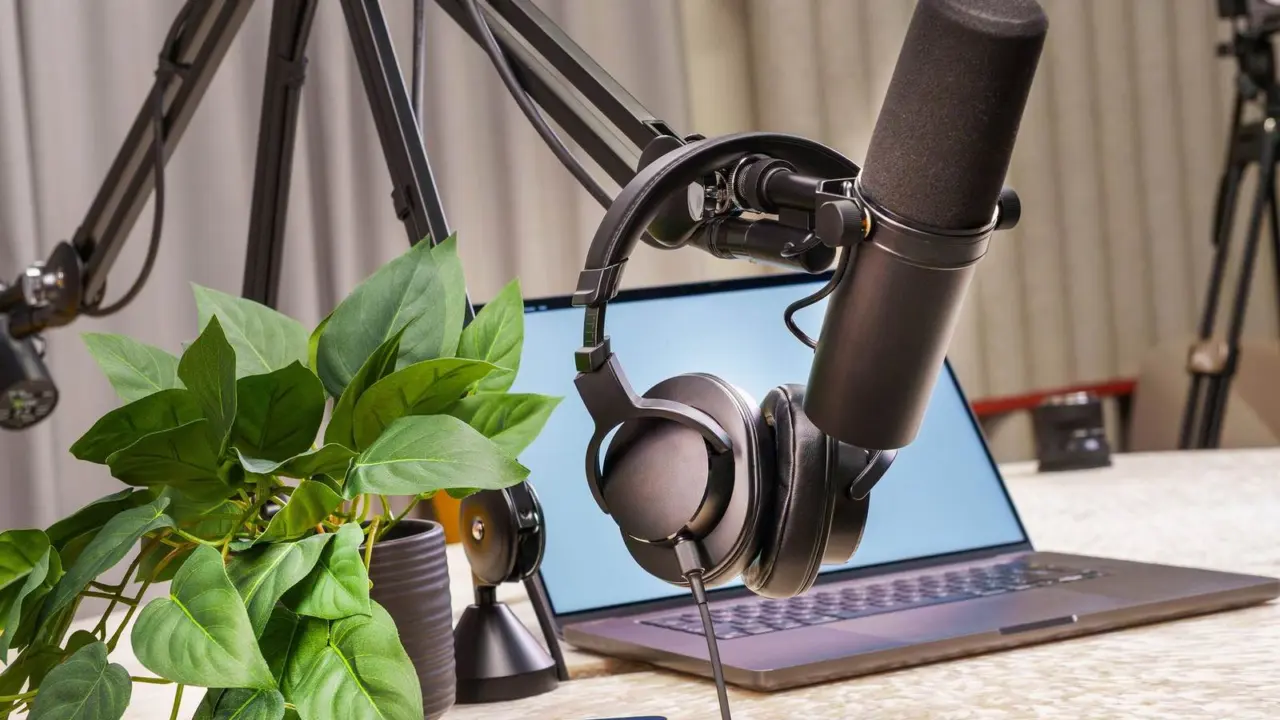
The type of capsule matters as well. A dynamic microphone such as Shure’s SM7B is described by Shure as having a smooth, flat, wide-range frequency response appropriate for music and speech in professional audio applications. Condenser designs generally pick up more detail, and with it more of the room. Readers who want the capsule differences in depth can read the condenser vs dynamic microphone explainer.
Gain, interfaces and room for growth
An XLR setup splits the work across several products, and that is its main strength. Elgato points out that a microphone and an interface are separate purchases, so either can be upgraded later, and that an XLR microphone from twenty years ago still works with a modern interface. A USB microphone is replaced as a whole when the owner wants something better.
Gain deserves attention. Matching a low-output microphone to an interface with enough clean gain is therefore part of planning an XLR chain, whereas a USB microphone arrives with its gain stage already matched to its capsule.
Several inputs are another dividing line. Elgato’s comparison lists USB as one microphone per setup in most cases.
Matching the setup to the use
For a single voice at a desk, such as meetings, streaming, voiceover or a solo podcast, a USB microphone covers the job and keeps the desk tidy. Elgato’s own conclusion is to choose USB if the aim is to start now, record one voice and keep a clean desk over an upgrade path.
For anyone planning to grow, XLR leaves more doors open. A shared studio, a recurring guest, a move to different microphones over time, or a wish to use equipment that is already owned all point toward an interface and XLR cables. The same logic applies to anyone who expects to change microphones as their voice or room changes.
Travel is a separate case. A USB microphone can be plugged into a laptop anywhere, which makes it easy to carry, while an XLR chain means carrying the interface and cable too. Whichever route is chosen, the room and microphone position usually affect the sound as much as the connector does.
Audio gear that listens to the surroundings is a topic of its own: the explainer on how noise cancelling works shows another place where microphones and digital processing meet.
What to confirm before buying
Before purchasing, check the manufacturer’s documentation for the exact connector, whether the microphone is USB, XLR or both, and whether it needs phantom power. For XLR, confirm that the interface supplies phantom power if a condenser is planned and that its gain suits the microphone. For USB, confirm the operating systems the product supports and whether it offers headphone monitoring.
Both routes can sound good. The difference is where the conversion happens, how many parts are involved and how easily each part can be replaced later.
Frequently asked questions
Does a USB microphone need an audio interface?
Show answer
No. A USB microphone includes the preamp and converter inside the device, so it connects directly to a computer.
Can an XLR microphone plug straight into a computer?
Show answer
Not by itself. An XLR microphone outputs an analog signal and needs an audio interface to amplify it and convert it to digital audio.
Do all XLR microphones need phantom power?
Show answer
No. Condenser microphones need it, while dynamic and ribbon microphones do not, and many passive ribbon microphones can be damaged by it.
Which is better for recording two people?
Show answer
XLR is the usual choice, because an interface with several inputs can run several microphones at once.