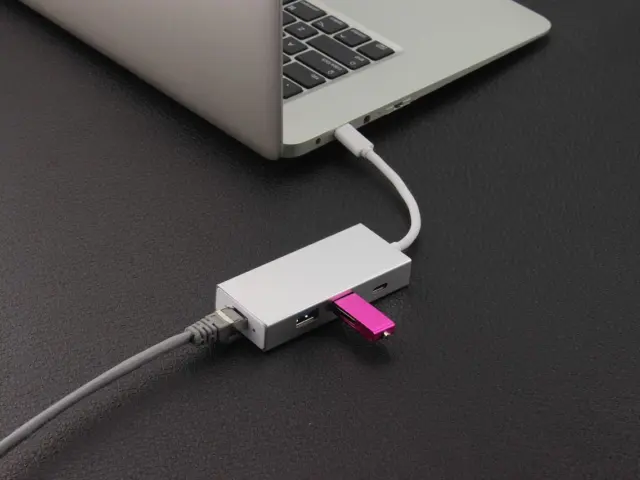

USB4 vs Thunderbolt is a comparison between a public standard and a certification built on it: USB4 is the USB Implementers Forum specification, derived from Intel’s Thunderbolt protocol, while Thunderbolt is Intel’s stricter, certified tier that uses the same USB-C connector.
The wider question of which ports and cables matter when choosing a device is covered in the gadget buying guide, and this page focuses on decoding the three names that appear on spec sheets.
Three names, one connector shape
A laptop with a USB-C socket can carry a plain USB 3.2 port, a USB4 port or a Thunderbolt port, and the socket looks the same in every case. The connector shape does not tell you the speed, the number of displays it can drive or whether it supports docks. Those details come from the specification behind the port, which is why the names matter.
The three names belong to different organisations. USB 3.2 and USB4 are written and licensed by the USB Implementers Forum, usually shortened to USB-IF. Thunderbolt is a trademark of Intel, and Intel decides which products may carry it. The USB-IF itself notes that Thunderbolt is a trademark of Intel Corporation while USB4 and USB Type-C are its own marks.
Each name is best treated as a promise of a minimum set of behaviours. A USB 3.2 label promises a data rate tier. A USB4 label promises a particular architecture and backward compatibility. A Thunderbolt label promises everything USB4 does plus extra requirements that Intel checks before a product ships.
USB 3.2: the speed tiers and the naming tangle
According to the USB-IF, the USB 3.2 specification absorbed all prior USB 3 specifications. That is the origin of much of the confusion, because older generation names now sit inside the USB 3.2 document. The same USB-IF page states that USB 3.2 identifies three transfer rates: 20Gbps, 10Gbps and 5Gbps.
The 20Gbps tier comes from multi-lane operation. The USB-IF describes this as allowing up to two lanes of 10Gbps operation to realize a 20Gbps data transfer rate. In other words, a USB Type-C cable can carry two lanes at once, and a host and device that both support it can use both.
The result was a set of technical generation labels that few shoppers could interpret. Around the release of USB4 version 2.0, according to a community-maintained reference, the USB-IF also mandated new logos and marketing names to simplify representing the maximum supported bit rates and wattages to consumers. The practical result is that a port or cable may now be labelled by its speed alone, for example 5Gbps or 20Gbps, rather than by a generation number.
Devices built to USB 3.2 still work on newer ports. The USB-IF states that USB 3.2 is backward compatible with existing USB products and operates at the lowest common speed capability.
USB4: one architecture that shares a single link
The USB-IF describes USB4 as being based on the Thunderbolt protocol specification contributed by Intel Corporation, and says it doubles the maximum aggregate bandwidth of USB while enabling multiple simultaneous data and display protocols. Rather than dedicating the cable to a single job, the USB4 architecture shares one link between different kinds of traffic, such as storage data and video for a monitor.
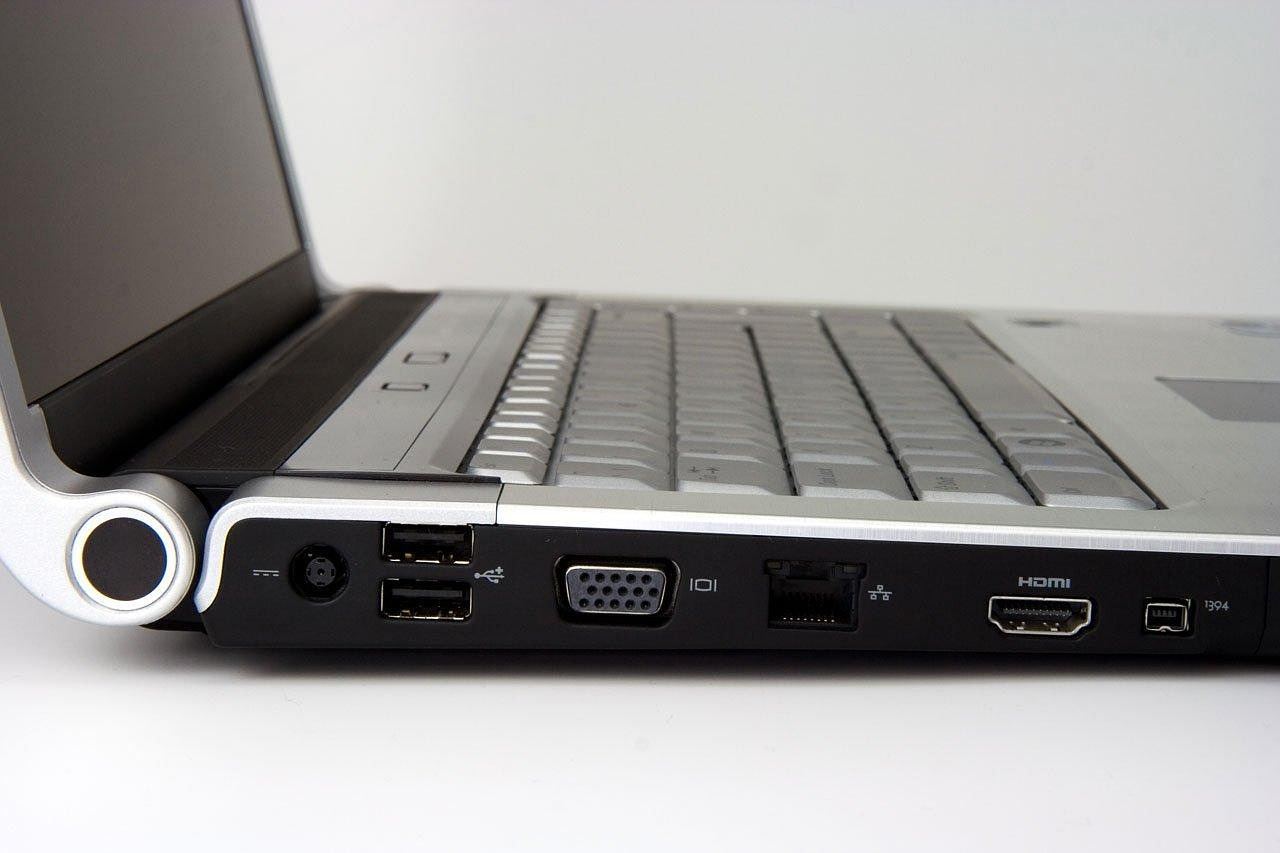
A community reference records that the USB4 specification was released on August 29, 2019, and that it supports 40 Gbit/s throughput, is optionally compatible with Thunderbolt 3, and is backward compatible with USB 3.2 and USB 2.0. The word optional is important. USB4 is not a guarantee that every Thunderbolt 3 accessory will work, although the USB-IF page lists compatibility with existing USB 3.2, USB 2.0 and Thunderbolt 3 hosts and devices as part of the design, with the connection scaling to the best mutual capability of the devices being connected.
A second USB4 release followed. The same reference notes that on 18 October 2022 the USB Promoter Group released the USB4 Version 2.0 specification. The USB-IF’s own USB4 page now describes up to 80 Gbps operation over 80 Gbps certified cables, using two-lane operation on existing USB Type-C cables for the baseline case.
USB4 also has gaps that are easy to miss. The community reference observes that only the two lower USB 3.2 speeds, 5 Gbit/s and 10 Gbit/s, are mandatory for USB4 downstream ports to support. A USB4 label therefore says less about the exact feature set of a laptop port than a shopper might assume, and the maker’s own specification page is the place to confirm details such as display support.
Thunderbolt 3, 4 and 5: Intel’s certified tiers
Thunderbolt 3 is the generation that moved to the USB-C connector. Its protocol specification was the base for USB4. Thunderbolt 4 followed: the same reference records that in July 2020 Intel announced Thunderbolt 4 as an implementation of USB4 40 Gbit/s with additional requirements, such as mandatory backward compatibility to Thunderbolt 3 and a requirement for smaller notebooks to support being charged over Thunderbolt 4 ports. It also lists a minimum of 32 Gbit/s for the PCIe link, which matters for external storage and docks.
Thunderbolt 5 raises the ceiling. According to the same source, it doubles the total bandwidth of Thunderbolt 4 to 80 Gbit/s symmetric, or 120 Gbit/s in one direction and 40 Gbit/s in the other, which suits video-heavy uses. It keeps the same minimum PCIe requirement as Thunderbolt 4, 32 Gbit/s.
Thunderbolt is a certification rather than only a specification. A community reference quotes Intel as stating that it employs mandatory certification for all Thunderbolt products, whereas a plain USB4 port carries no such Intel check.
What mixing ports and cables really does
Because the standards are built to be compatible, mixed combinations usually work, but at the capability of the weakest part. Apple’s support documentation gives a concrete example. For Mac models with Thunderbolt 5 ports, it says you can connect external displays and other devices that connect using a Thunderbolt 5 cable, Thunderbolt 4 cable, Thunderbolt 3 cable, or USB-C cable. For Mac models with a Thunderbolt / USB 4 port, it says you can connect a single external display and other devices that connect using either a Thunderbolt 3 cable or USB-C cable.
Those two statements illustrate the pattern: a port accepts a range of cables, but what you can do through it, such as the number of displays, depends on the port generation. A cheap USB-C cable may fit every port in the house and still fall short of the speed an expensive drive can deliver. The cable and both ends all count.
Reading a spec sheet
- Look for the speed, not just the name. A label that says USB 20Gbps or 40Gbps tells you more than the word USB4 alone.
- Look for the Thunderbolt logo if you need a certified feature set. The word USB4 with no logo means USB-IF rules apply, not Intel’s extra rules.
- Check the cable separately. The USB-IF notes that 80 Gbps operation needs 80 Gbps certified cables, so an older cable limits a newer port.
- Check display support on the maker’s page. The number of monitors and their resolution are not set by the USB4 name.
Longevity is also about the rest of the device. A fast port on a laptop with a worn battery is a poor bargain, and the lithium ion battery care guide covers what wears a battery and how to slow it.
When a cable or adapter is retired, the how to recycle electronics guide explains how to dispose of old accessories responsibly instead of leaving them in a drawer.
Frequently asked questions
Is USB4 the same as Thunderbolt 4?
Show answer
No. USB4 is a USB-IF specification, while Thunderbolt 4 is Intel’s certified implementation of USB4 40 Gbit/s with added requirements, including mandatory backward compatibility to Thunderbolt 3.
Can I plug a Thunderbolt device into a USB4 port?
Show answer
Often yes, because USB4 is designed to be compatible with Thunderbolt 3 hosts and devices, but a community reference describes that compatibility as optional for many USB4 devices. Check the maker’s specification for the exact port.
Does a USB-C port always mean fast data transfer?
Show answer
No. USB-C describes the connector. A port may carry any of the USB 3.2 speed tiers, USB4 or Thunderbolt, and the speed depends on the specification behind it.
Do I need special cables for 80 Gbps?
Show answer
According to the USB-IF, up to 80 Gbps operation is available over 80 Gbps certified cables, so an uncertified cable should not be assumed to reach that rate.